
The Preset Collection
Achieve a sophisticated editorial look effortlessly using my custom-crafted presets
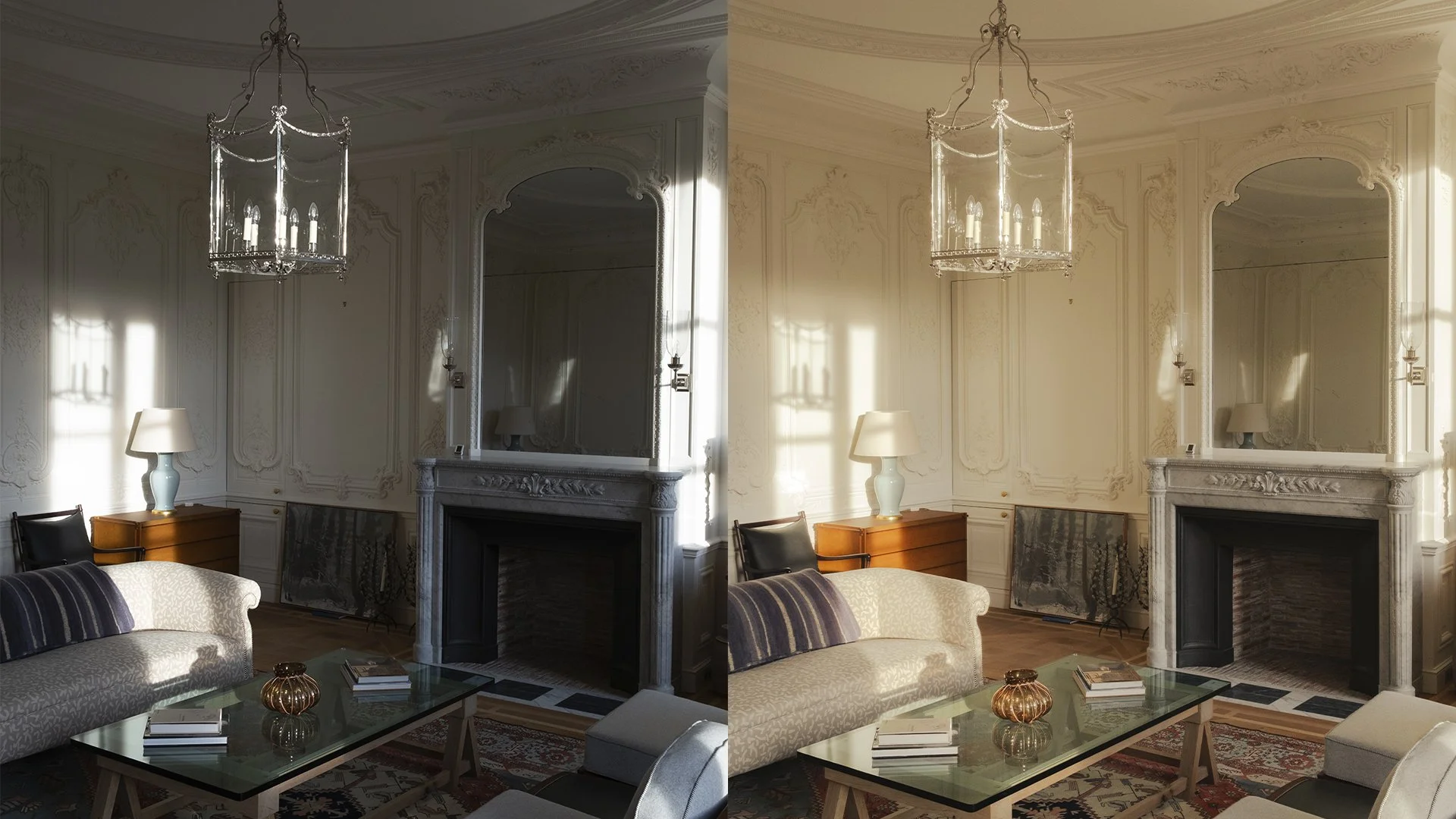
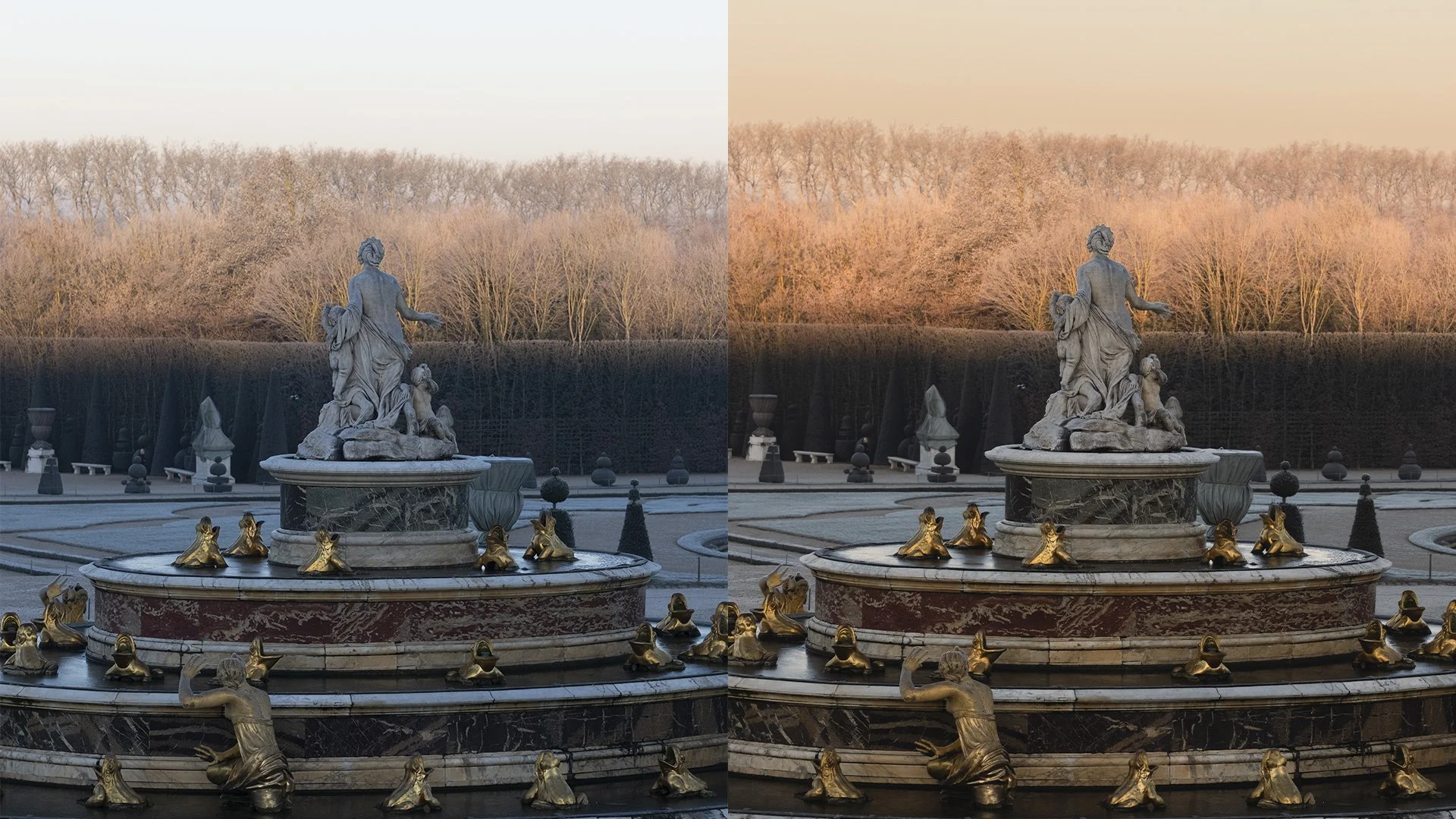
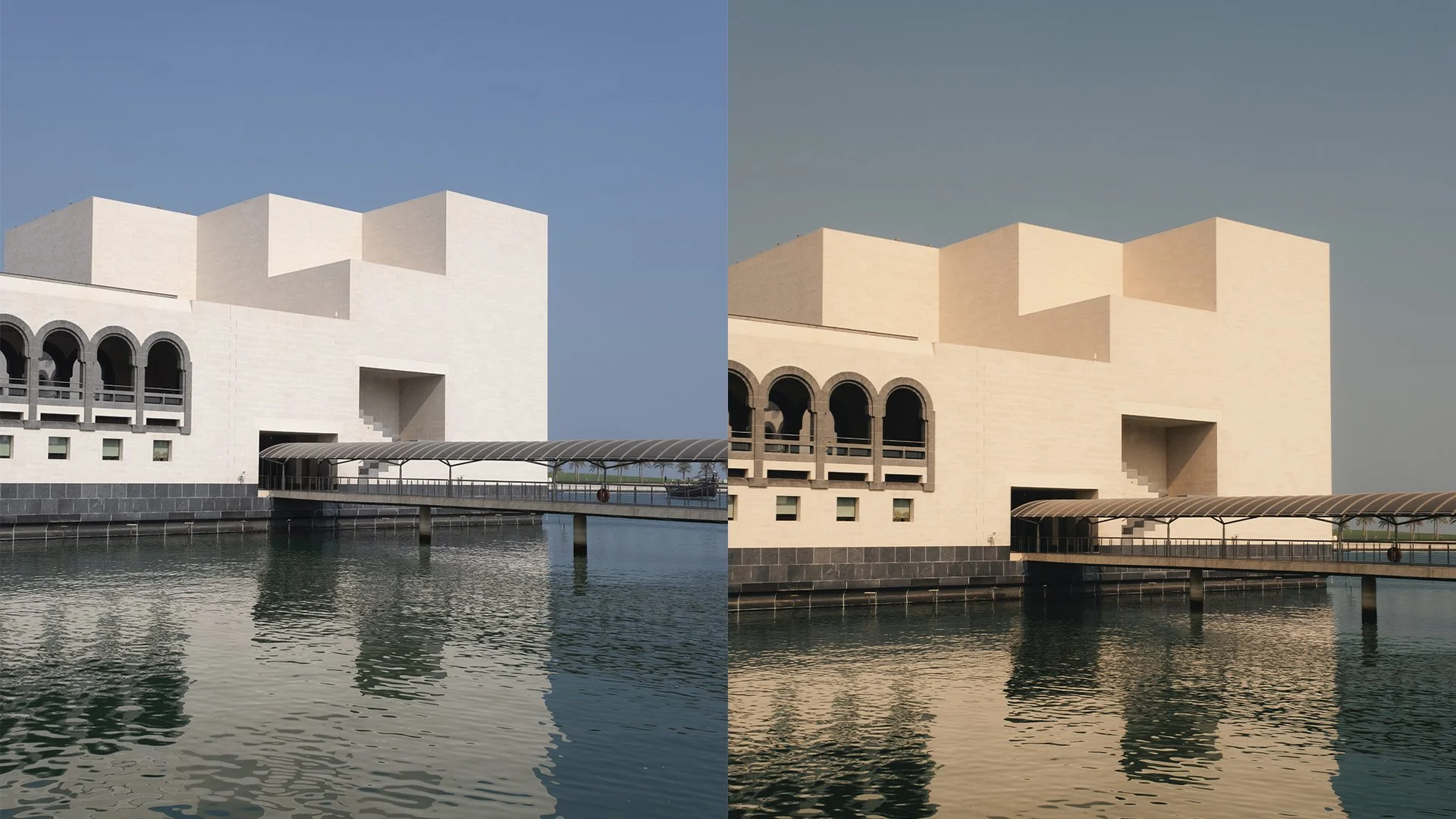
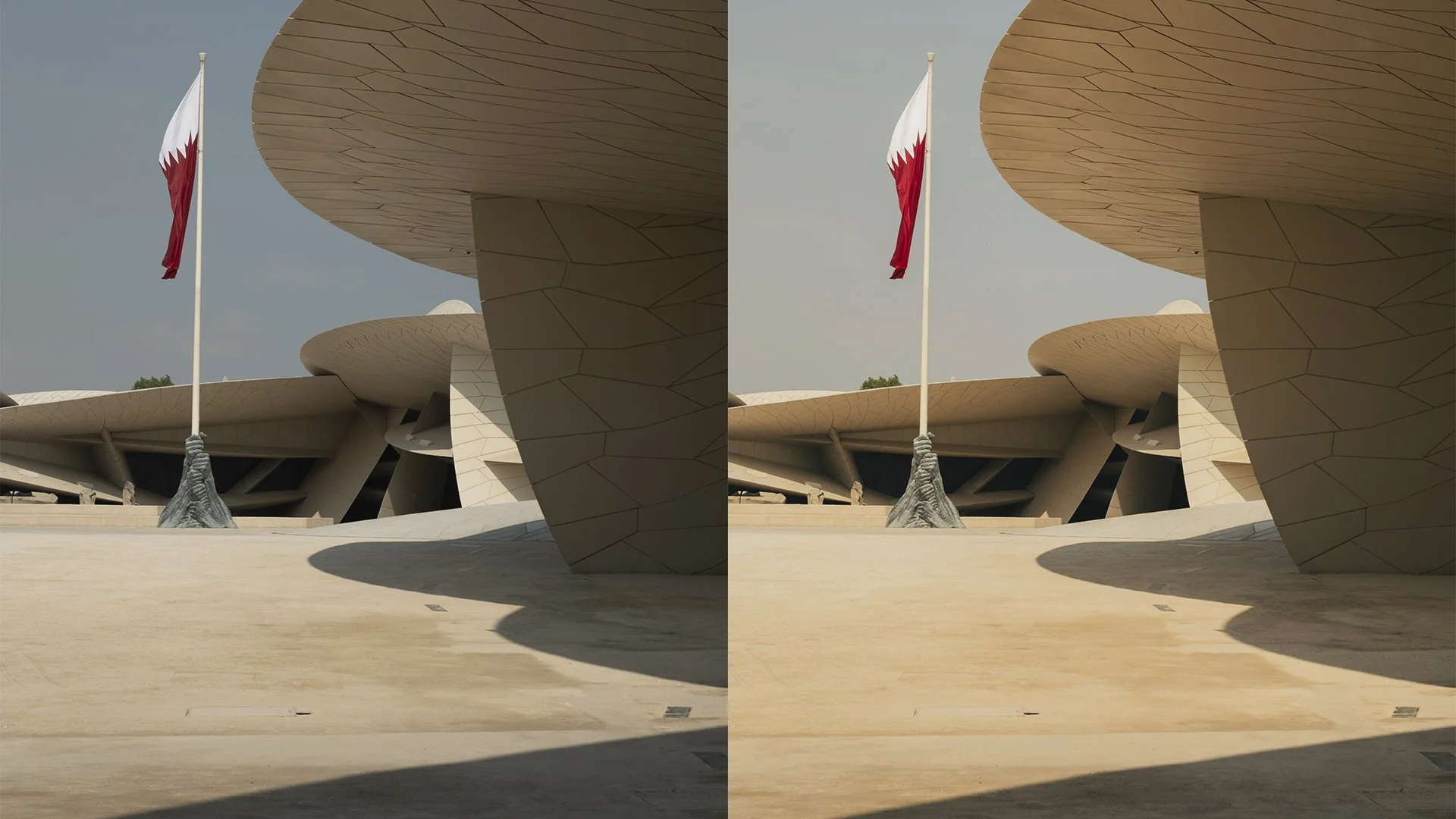
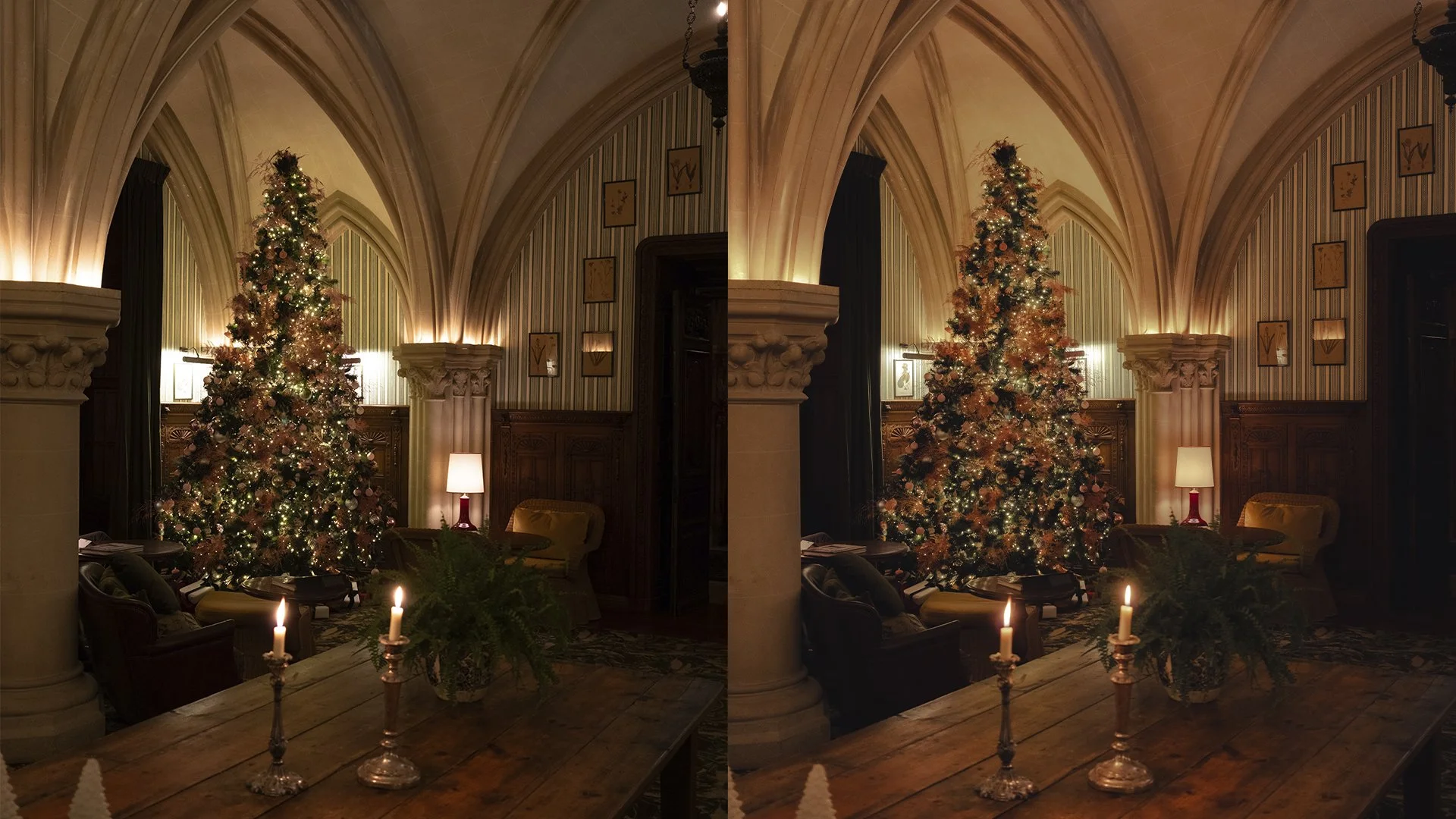
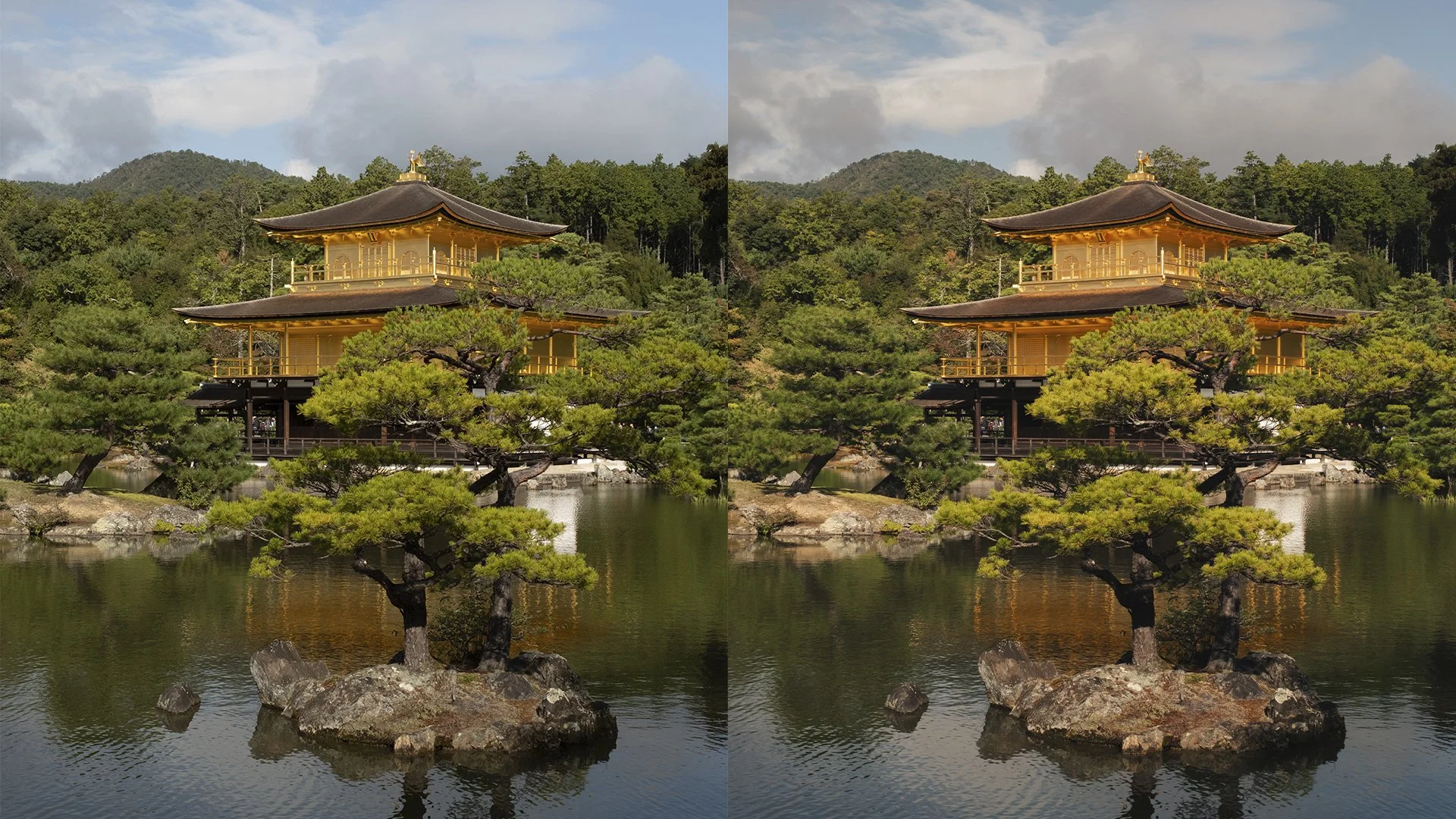
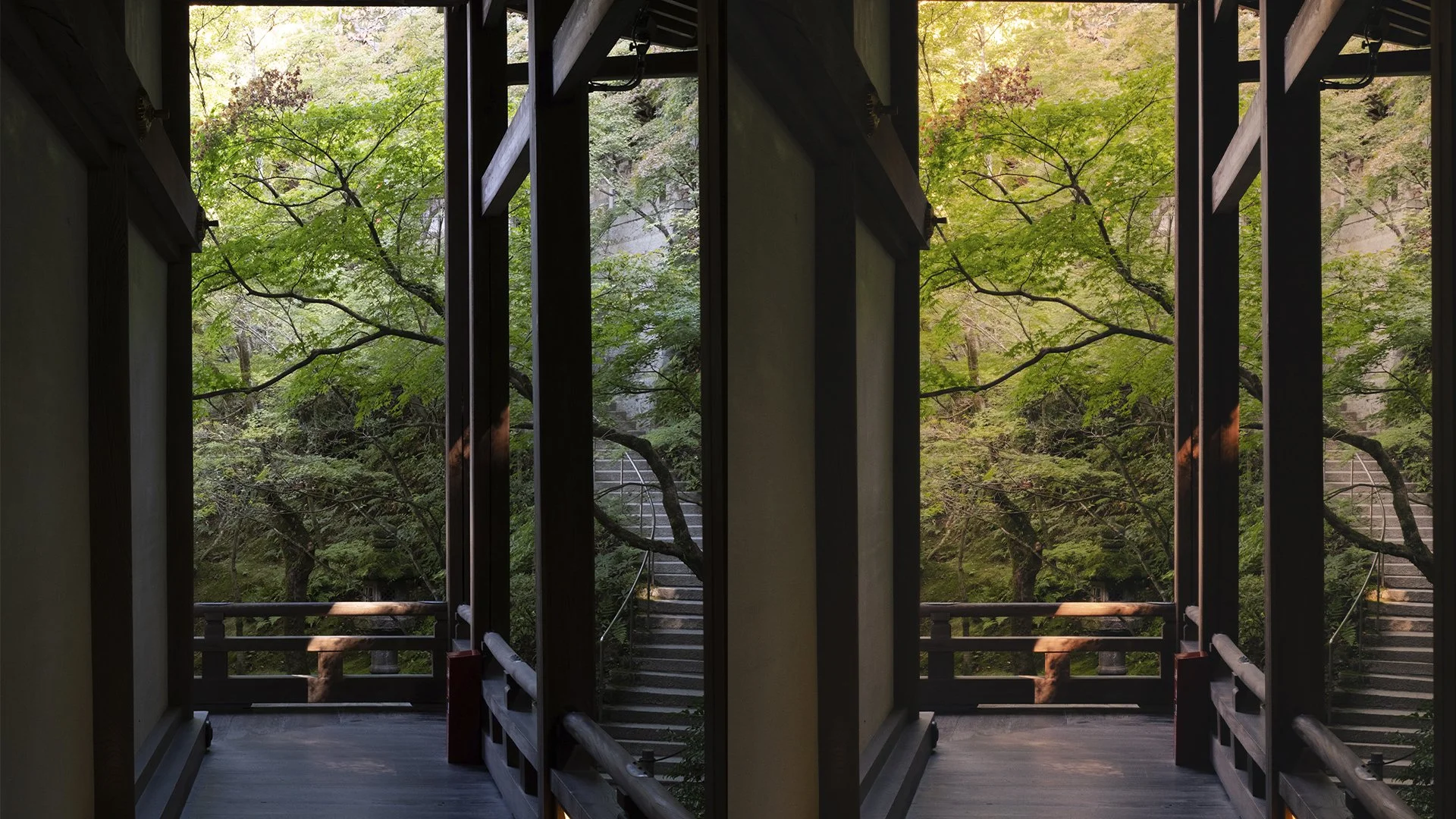
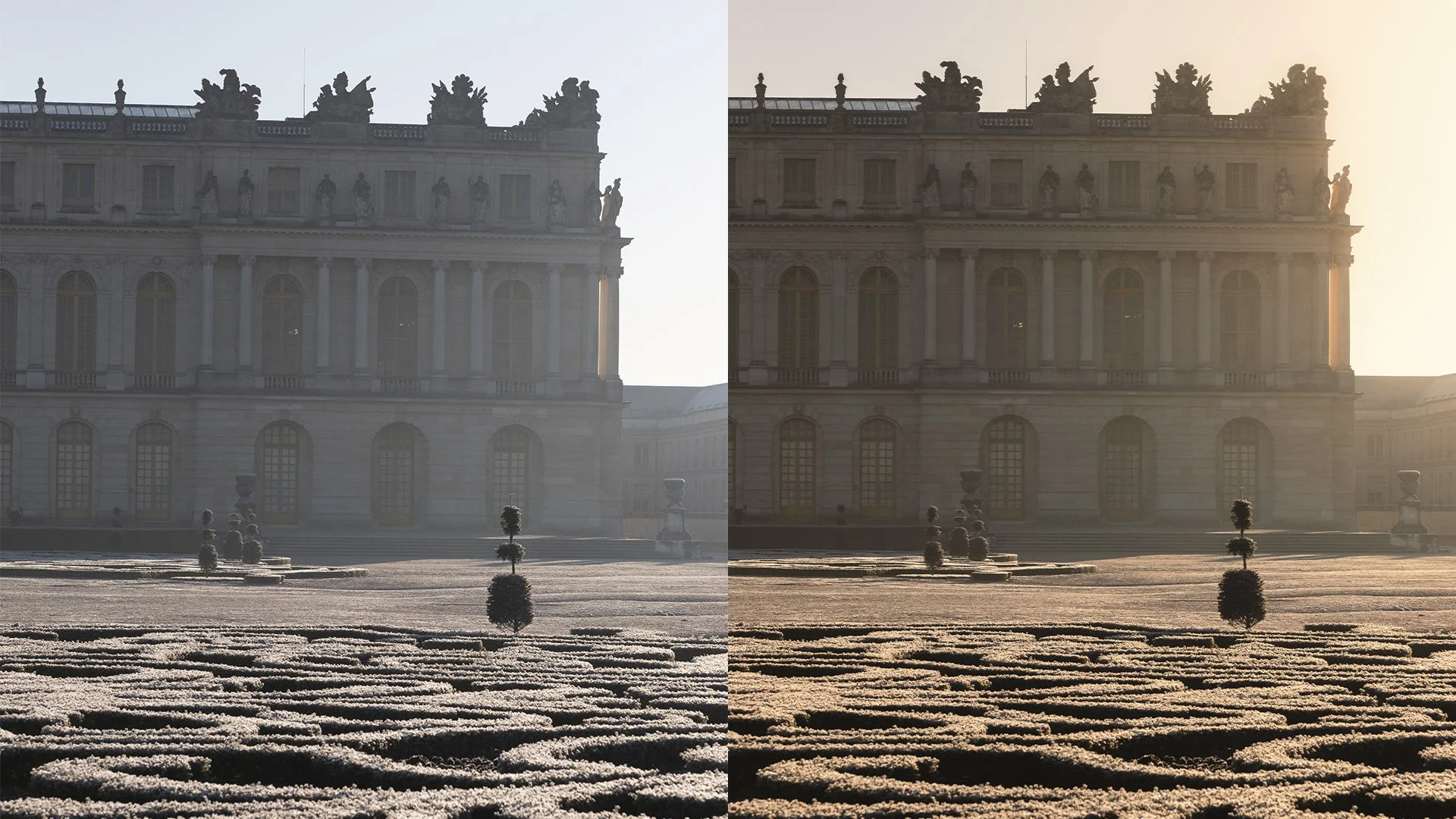
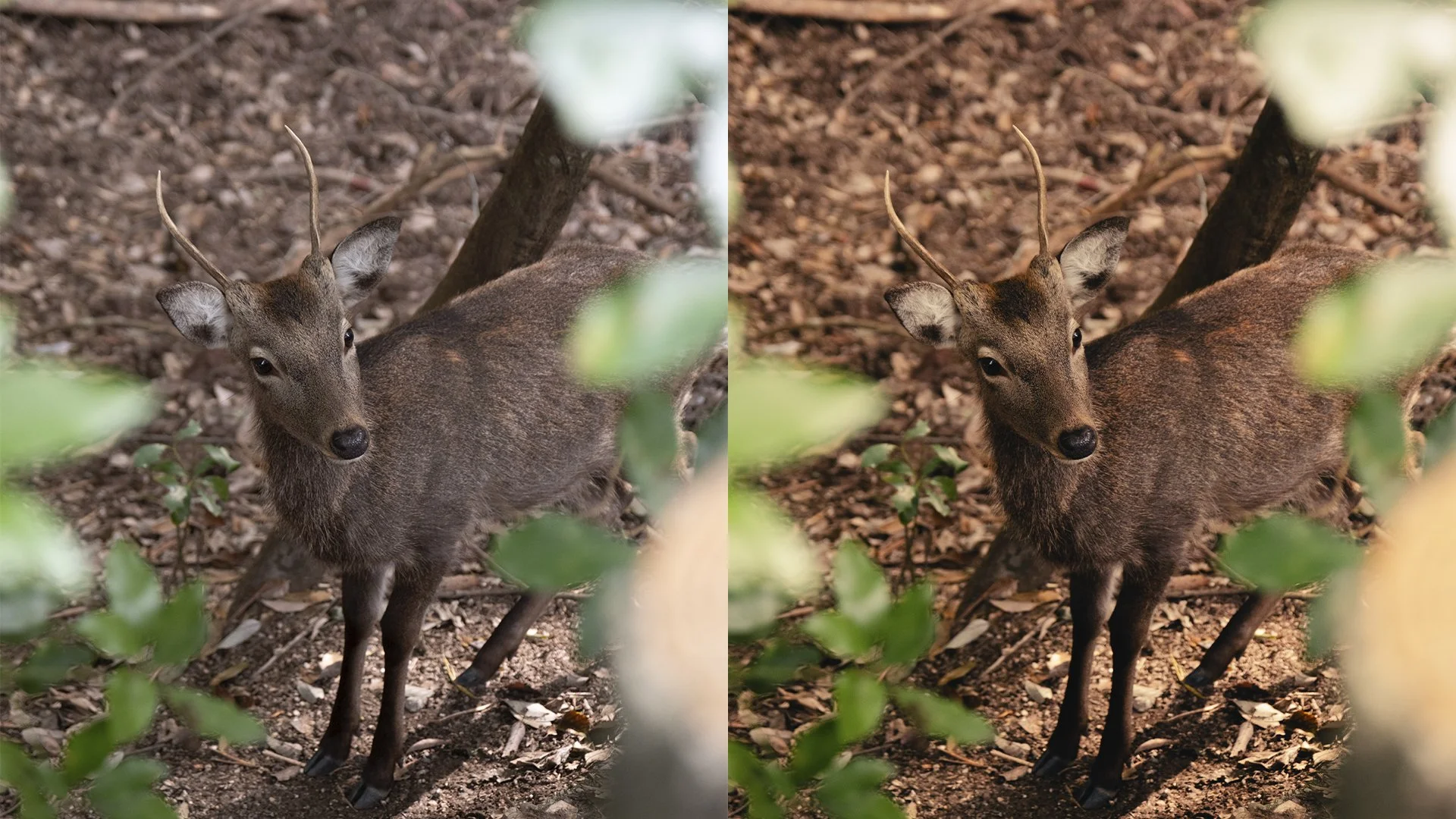
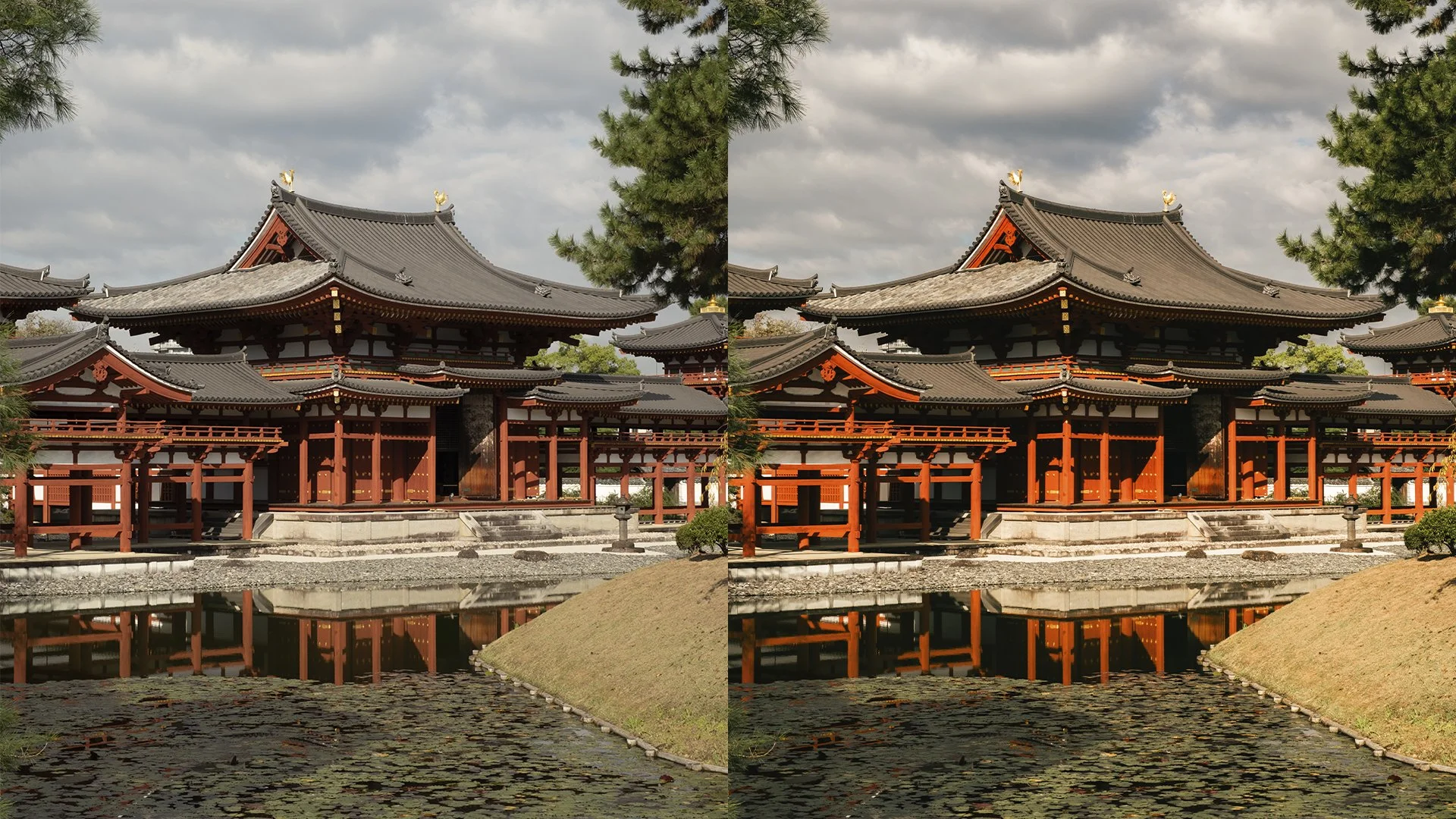
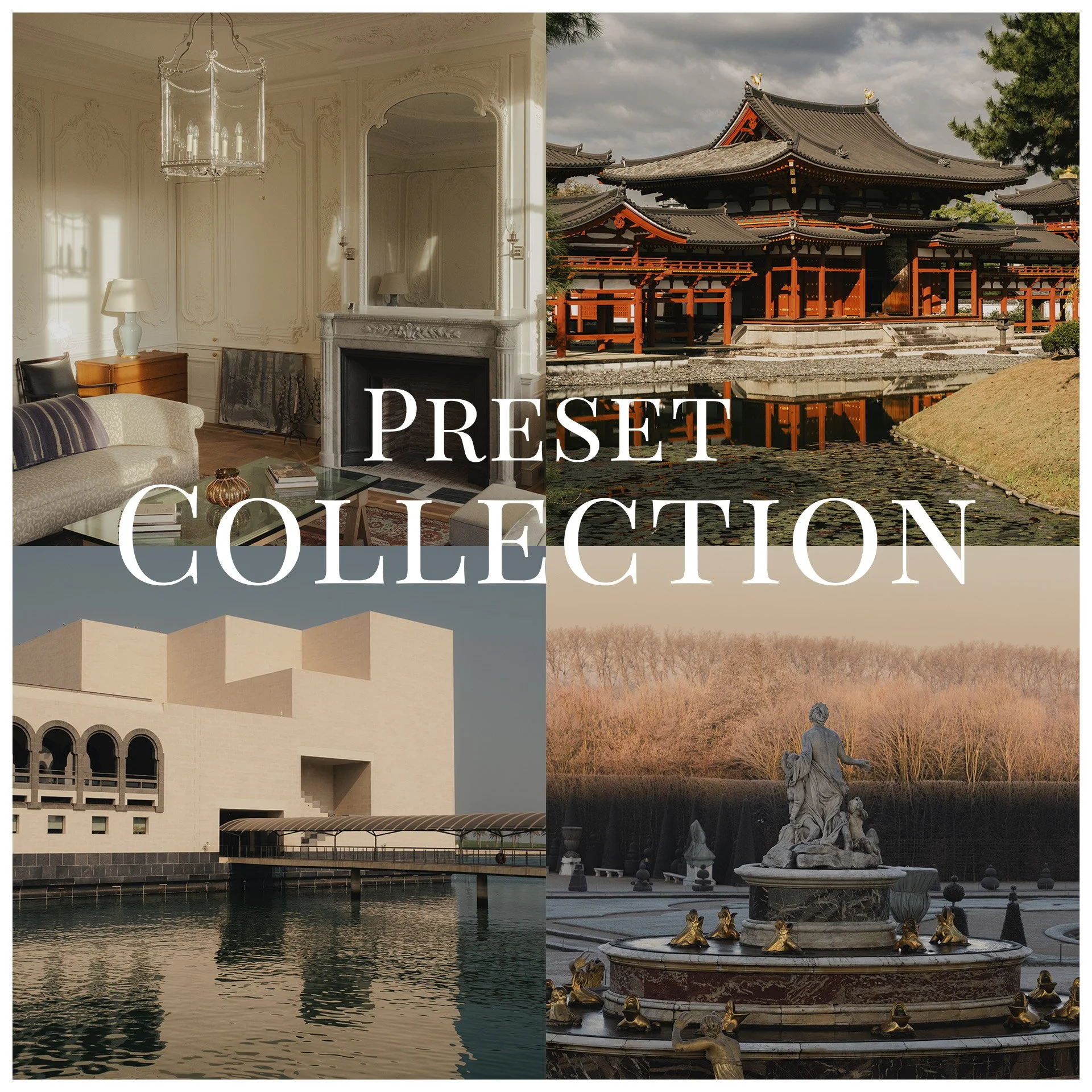
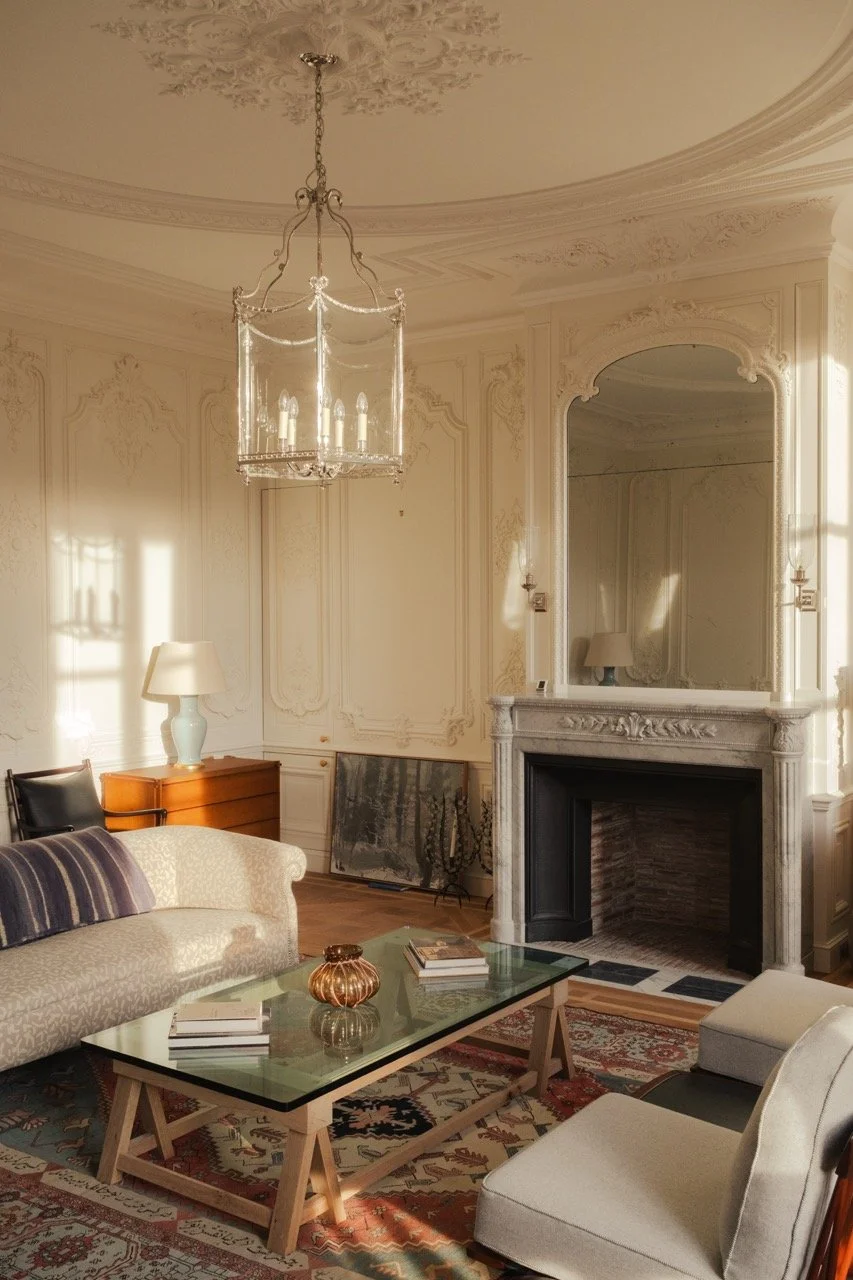
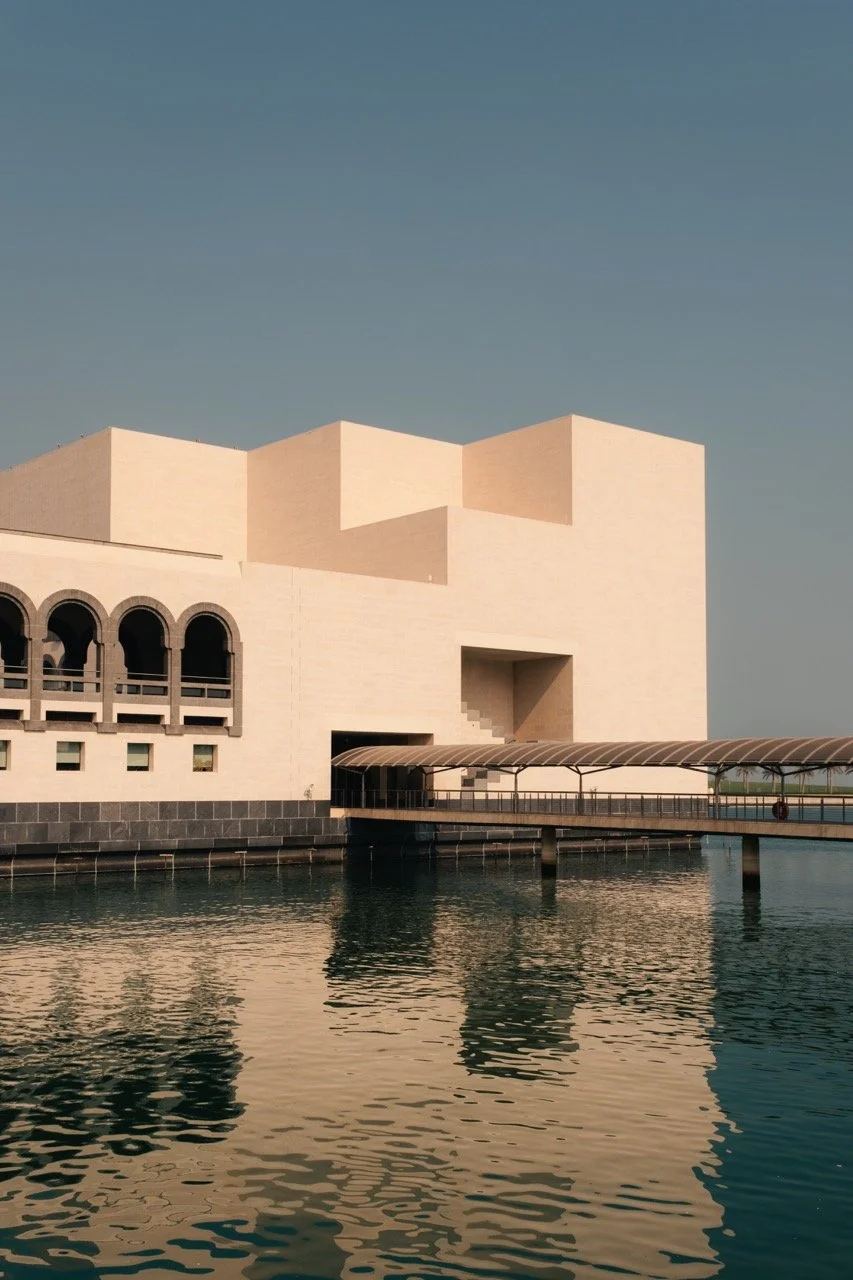
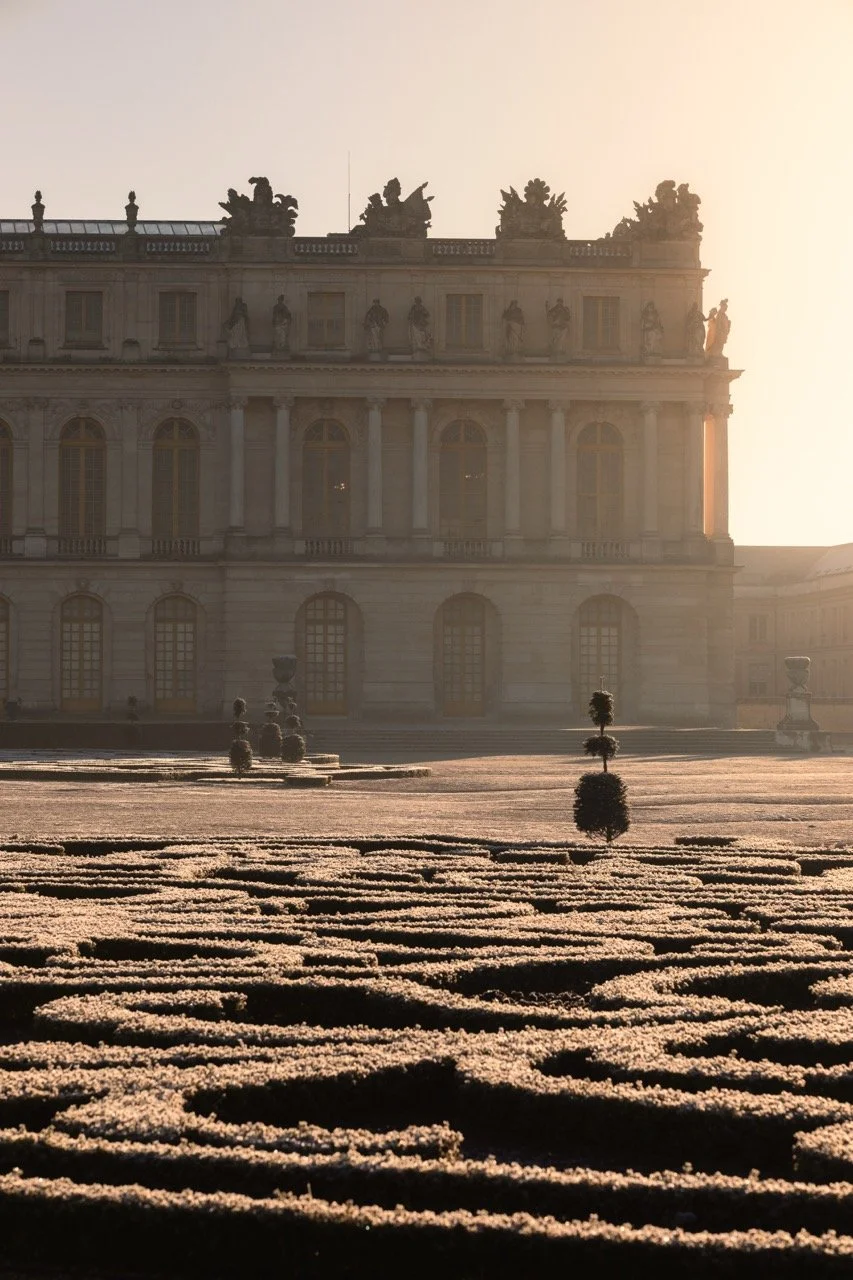
Elevate your captures with the sophisticated, warm palette that defines my professional portfolio. This collection of 10 Lightroom presets is the culmination of years spent refining light and color to achieve the perfect balance of golden undertones and timeless depth. These aren't just filters; they are the exact tools I use daily to define the visual identity of my photography.
Designed to elevate architecture, interior design, and landscape photography, this pack brings an organic, high-end feel to every frame. Whether you are capturing a minimalist space or a vast horizon, these presets add an evocative warmth and a signature glow that transforms a simple shot into a narrative piece.
Elevate your captures with the sophisticated, warm palette that defines my professional portfolio. This collection of 10 Lightroom presets is the culmination of years spent refining light and color to achieve the perfect balance of golden undertones and timeless depth. These aren't just filters; they are the exact tools I use daily to define the visual identity of my photography.
Designed to elevate architecture, interior design, and landscape photography, this pack brings an organic, high-end feel to every frame. Whether you are capturing a minimalist space or a vast horizon, these presets add an evocative warmth and a signature glow that transforms a simple shot into a narrative piece.

Everything you need to know
-
After receiving the download link extract the .zip file and ollow these simple steps to start editing:
For Lightroom Desktop (Classic & CC):
Open Lightroom and go to the Develop module.
In the Presets panel on the left, click the + icon and select Import Presets.
Locate the downloaded .xmp files and click Import.
-
Yes, you can use them on mobile through Creative Cloud sync. While XMP files are designed for Lightroom Desktop(Mac/PC), they will automatically appear in your Lightroom Mobile app once installed on your computer.
To sync them, simply ensure you are signed into the same Adobe account on both your desktop and mobile devices. Your custom presets will then sync via the cloud, allowing you to apply my signature look to your photos directly from your phone.
-
This collection of 10 Lightroom presets offers a versatile range of looks designed to complement various scenarios, including interiors, landscapes, and architecture.
For the highest quality results, I recommend applying these presets to RAW files, as they contain more data for professional editing. Please keep in mind that since every lighting situation is unique, you may need to make minor manual adjustments—such as tweaking the exposure or white balance—to perfectly tailor the look to your specific image.
-
Due to the nature of digital products, all sales are final. Since you receive instant access to the Lightroom presets upon purchase, they cannot be returned or exchanged. I recommend reviewing the product description and compatibility requirements carefully before completing your order to ensure the collection is the right fit for your work.